TruthFinder gives you instant access to criminal records, court filings, arrest records, address history, and more — pulling from millions of public databases in real time.
Search Public Records on TruthFinderTruthFinder.com — Affiliate link, commission earned if you subscribe.
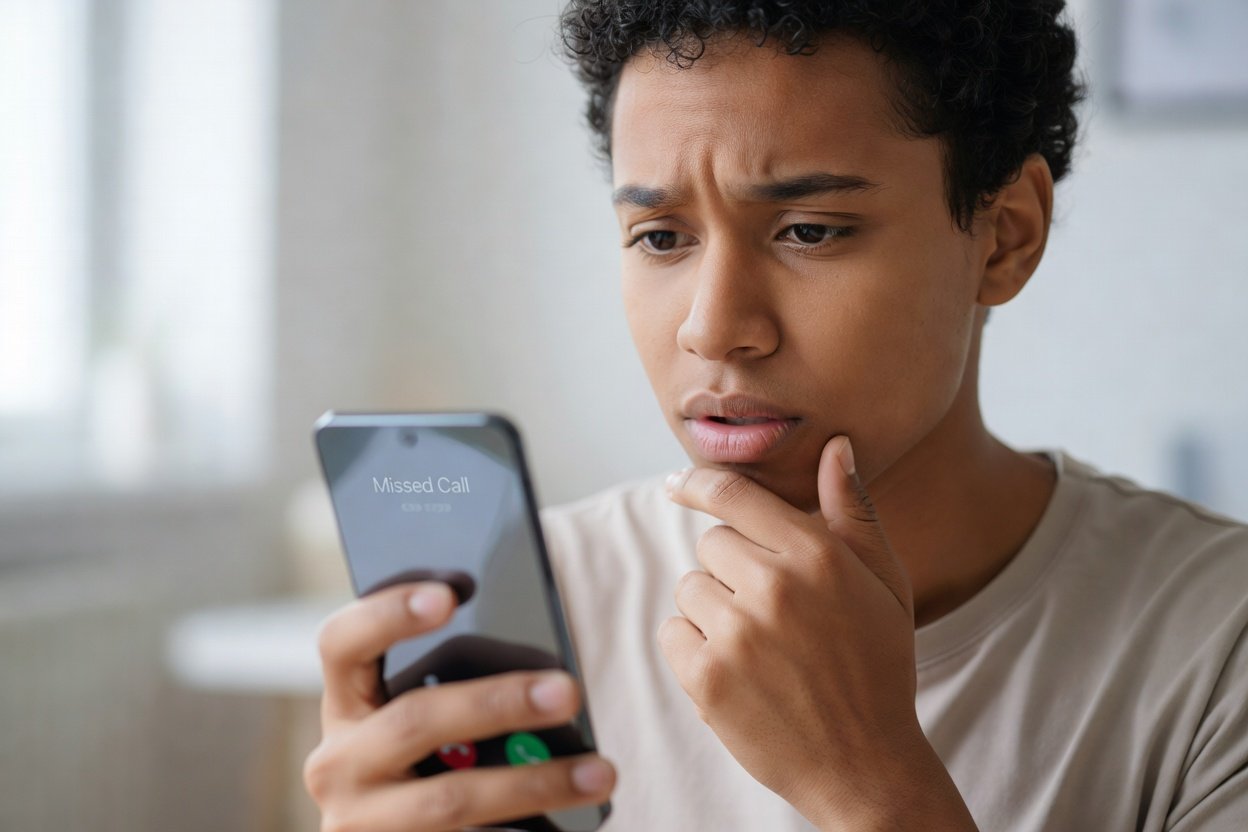
An unfamiliar number calling your phone can range from a harmless wrong number to a serious scam attempt — and the frustrating part is you often can't tell which until after you've picked up. This guide walks you through every practical method for identifying unknown callers, from free options you can try in the next two minutes to paid tools worth considering when the stakes are higher.
Step 1: Let It Go to Voicemail First
Before you do anything else, let an unknown call go to voicemail. Legitimate callers — banks, doctor's offices, delivery services, people you know — almost always leave a message. Robocallers, spoofed scam lines, and auto-dialers almost never do. If no voicemail appears within a few minutes, that alone is useful information.
If a message does come through, listen carefully for:
- The caller's name and organization
- A callback number (which may differ from the number that appeared on your caller ID — a red flag)
- Any request for payment, Social Security numbers, or account credentials (always a scam signal)
- Generic openers like "This is your final notice" or "You have been selected" — hallmarks of robocall fraud
Even a vague voicemail gives you search terms to work with in the next steps.
Step 2: Google the Number
Copy the full ten-digit number — including area code — and paste it directly into Google. Use the format with and without dashes: both 800-555-1234 and 8005551234. This takes about fifteen seconds and frequently returns useful results immediately.
What Google can surface for free
- Business listings — If the number belongs to a legitimate company, their Google Business Profile or website usually appears at the top.
- Scam report databases — Sites like 800notes.com, callercenter.com, and whycall.me are community-driven and free. Real people report what happened when a specific number called them, and the comments are often detailed enough to identify the caller immediately.
- News articles or court documents — Numbers connected to large-scale fraud operations sometimes appear in press coverage or legal filings.
- Social media profiles — People who use their real phone number as a contact on Facebook, LinkedIn, or a personal website may show up in Google's index.
If Google returns nothing useful, the number may be a mobile line registered under an individual's name — those don't usually appear in public directories. Move on to the steps below.
Step 3: Use Star Codes — *69 and *57
These old-school phone codes still work on most US landlines and some mobile plans, though their usefulness is limited in the smartphone era.
*69 — Last call return
Dialing *69 immediately after a missed call will attempt to call back the last number that reached your line. On a landline, it also recites the number aloud before dialing. This is helpful if you missed the caller ID display, but it won't unmask a spoofed number — if a scammer faked their caller ID, *69 simply calls the spoofed number, which may belong to an innocent third party or be unassigned.
*57 — Malicious call trace
Dialing *57 after a harassing or threatening call triggers a formal trace logged by your carrier. You do not receive the caller's identity yourself — that information goes into a file that law enforcement can subpoena if you file a police report. Use *57 only when a call rises to the level of harassment or threats, and follow up by filing a report with your local police department so the trace record has somewhere to go.
Step 4: Use Your Carrier's Built-In Spam Tools
All four major US carriers now offer free spam-identification and call-blocking tools. These won't tell you who a specific person is, but they label known scam and spam numbers in real time on your phone's caller ID display.
- AT&T — Call Protect (free app; premium tier adds reverse lookup)
- T-Mobile — Scam Shield app, free for all T-Mobile customers
- Verizon — Call Filter (free tier labels spam; paid tier adds caller name lookup)
- Google Fi — Built-in spam filtering, no separate app required
If you have an iPhone, enable Settings > Phone > Silence Unknown Callers to send all numbers not in your contacts, recent calls, or Siri suggestions straight to voicemail. Android's Phone app has a similar "Filter spam calls" toggle under call settings. Neither option reveals who called — they just reduce interruptions while the voicemail-first approach handles the rest.
Step 5: Check the Area Code for Geographic Context
Even when you can't identify the exact caller, the area code tells you something useful. A call from a 212 number originates (or at least appears to originate) from New York City. A 907 number points to Alaska. If the geographic origin makes no sense given your life — no connections to that state, no services based there — that's a signal to be cautious before calling back.
You can look up the area code to confirm which city or region it covers, see common caller reports associated with that prefix, and get a better sense of whether the call is likely local, national, or internationally spoofed to appear domestic. Note that mobile number portability means a person can keep a 305 Miami number even after moving to Seattle, so area code alone isn't definitive — but it's useful context.
Step 6: Run a Free Reverse Phone Lookup
A free reverse phone lookup searches aggregated public records, carrier data, and directory listings to match a phone number to a name and location. Here's what free tools realistically return — and where they fall short.
What free reverse lookups typically show
- Whether the number is a landline, mobile, or VoIP line
- The carrier or service provider
- The city and state associated with the number's registration
- For listed landlines: the account holder's name
What free tools usually don't show
- Current owner of a mobile number (mobile numbers are not publicly listed)
- Associated addresses, relatives, or social profiles
- Whether the number has been ported, reassigned, or is being spoofed
Google, the community scam-report sites listed above, and your carrier's tools are genuinely free with no registration wall. Many sites advertised as "free" reverse phone lookups show you only the carrier and line type for free, then require payment to reveal a name — that's a freemium model, not truly free. Be aware of that distinction before entering your email address anywhere.
Step 7: When a Paid Lookup Report Is Worth It
If the free methods above haven't identified the caller and the call matters — a persistent caller you need to document, someone contacting a family member, or a number that keeps appearing in your missed calls — a paid people-search report can fill in the gaps.
Paid reverse phone services pull from a wider set of aggregated data sources: property records, social media, court documents, address history, and more. They can often connect a mobile number to a full name and associated addresses when free tools return nothing.
A few honest caveats:
- These reports are built from aggregated data and are not always current or complete. A number recently ported or registered under a different name may still return the previous owner.
- Under the Fair Credit Reporting Act (FCRA), reports from people-search services are for personal use only. They cannot legally be used to make employment decisions, screen tenants, or determine creditworthiness. If that's your purpose, you need a permissible-purpose consumer reporting agency, not a background-check website.
- Before paying, you can compare lookup services to understand pricing, data depth, and refund policies so you're not surprised.
For most situations — identifying a spam caller, figuring out if a number is a business or personal line, confirming a caller's city — the free steps in this guide are sufficient. Paid tools earn their cost when you need a full identity picture and have exhausted the free options.
Frequently Asked Questions
Can I find out who called me if the number shows "Unknown" or "No Caller ID"?
A truly blank caller ID means the caller deliberately suppressed their number, which is allowed under FCC rules for legitimate purposes (doctors, domestic violence shelters, law enforcement) but is also used by scammers. *69 and reverse lookups cannot recover a suppressed number. If the calls are harassing or threatening, *57 followed by a police report is your best option — carriers retain the actual originating number even when it's suppressed from your display.
Is it safe to call an unknown number back?
Calling back an unfamiliar number carries a small but real risk. Some scam operations use premium-rate numbers in certain international country codes — calling back runs up a charge. Google the number before calling back. If nothing comes up and the number used an international format, don't return the call. For domestic numbers, calling back is generally low-risk but may confirm to a robocaller that your number is active.
What is number spoofing and does it affect lookups?
Spoofing means a caller deliberately displays a false number on your caller ID — often a local-looking number — to increase the chance you'll answer. Because the displayed number isn't their actual line, any reverse lookup you run returns information about the innocent owner of that number, not the scammer. If you suspect spoofing, don't call the displayed number back. Report it to the FTC at reportfraud.ftc.gov.
How do I stop unwanted calls from numbers I've identified as spam?
Once you've identified a number as spam, block it directly in your phone's call log (press and hold the number on most Android devices; on iPhone, tap the "i" icon next to the number and select "Block this Caller"). Also register your number at donotcall.gov if you haven't — it won't stop illegal robocallers but reduces legitimate telemarketing. Your carrier's spam-filter app (listed in Step 4 above) can also block entire categories of known scam numbers automatically.
Are reverse phone lookup results subject to any privacy laws?
In the US, phone numbers listed in public directories are not protected from lookup. However, the aggregated profiles that paid people-search services compile — connecting a number to a name, address, and relatives — are regulated by the FCRA when used for certain purposes. As noted above, these reports are legal for personal curiosity or self-protection but cannot be used as the basis for employment, credit, or housing decisions. Some states, including California under the CCPA, give residents the right to request deletion of their data from people-search databases; most major services offer an opt-out process for this reason.